Clarnix help · Integrations
Connect task management and CRM apps to Clarnix
Connecting Clarnix to the task tracker or CRM you already use, so mail that needs action does not have to be copied across by hand.

What you can connect
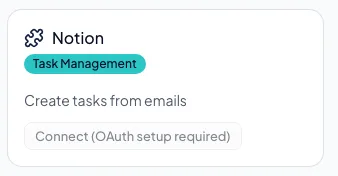
| Service | What it is for |
|---|---|
| Notion | Create tasks from email |
| Asana | Create tasks from email |
| Todoist | Create tasks from email |
| HubSpot | Log email to your CRM |
| Pipedrive | Log email to your CRM |
Connecting one takes you to that service to sign in and approve the access. Once connected it shows as such on this page.
Disconnecting
Disconnecting removes the connection and its stored credentials from Clarnix. Anything already created in that service stays there. We do not reach back and delete your tasks or CRM records.
As with an email account, disconnecting here does not necessarily withdraw the permission at the other service. Check its own connected-apps settings if you want it gone from both sides.